See it in action
Using the appWhat you see
What you see
 Step 1 · Build
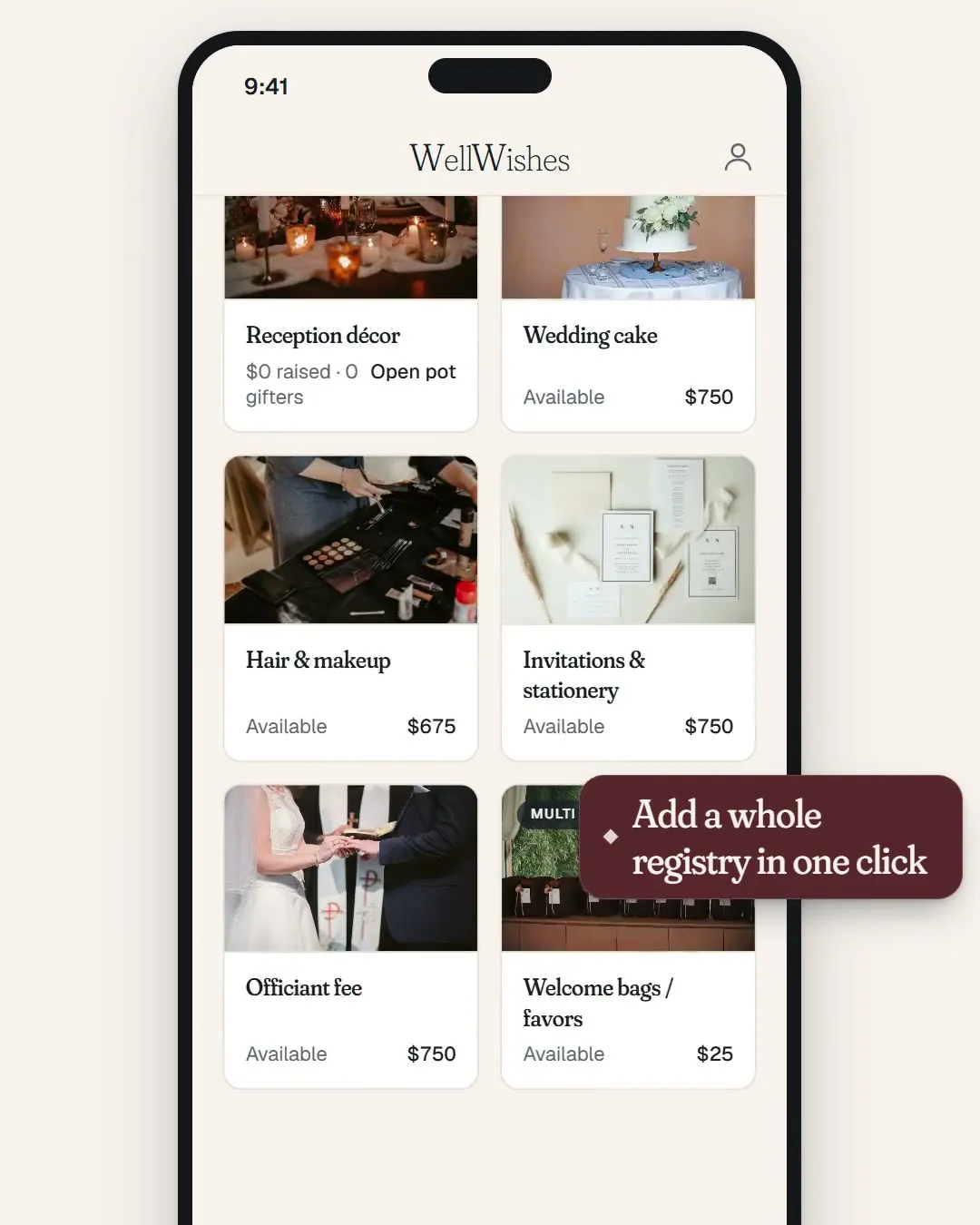
Add the gifts you actually want
Make your own gifts, start from a ready-made idea or add a whole registry in one click.
 Step 2 · Design
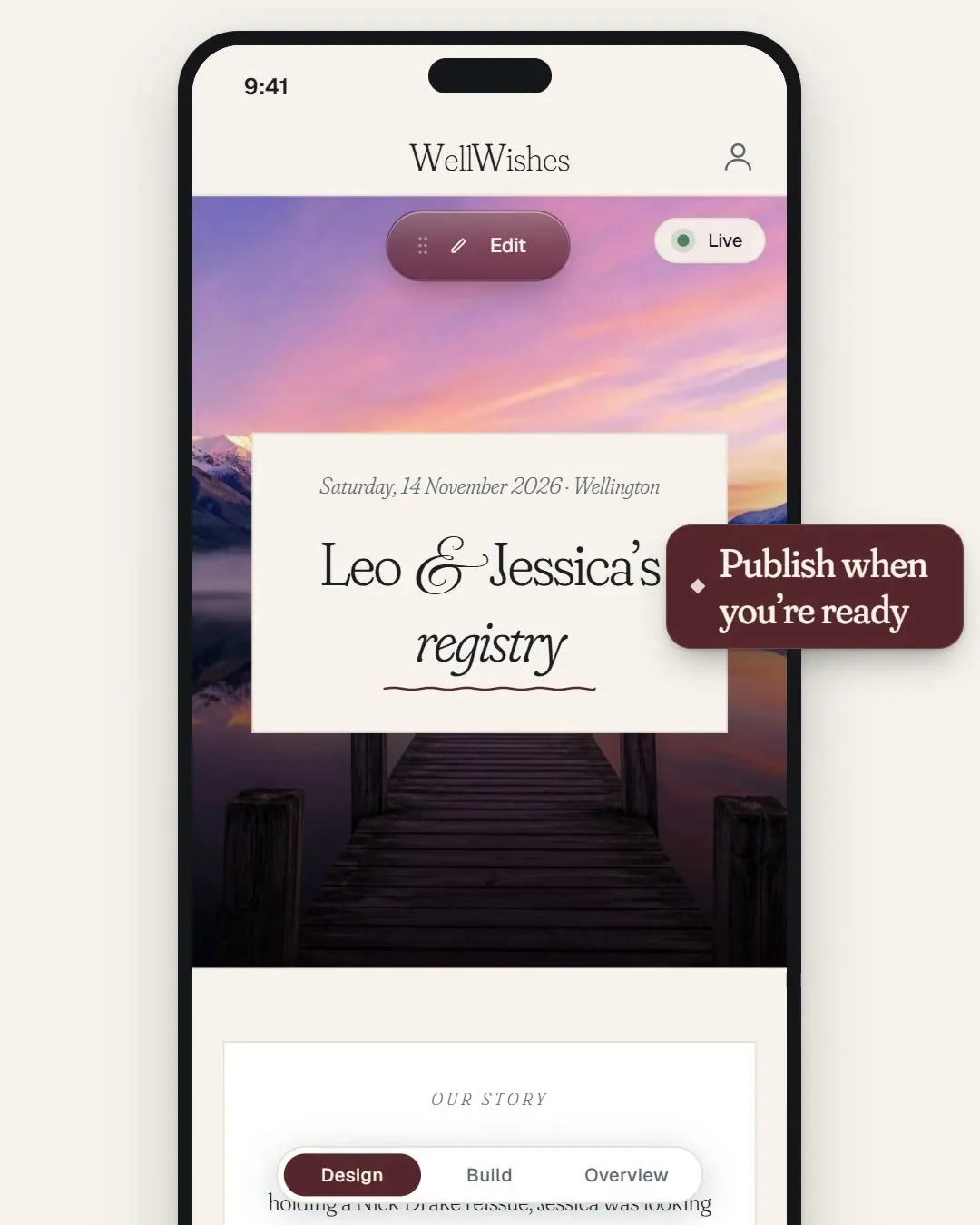
Make the page yours
Pick a cover photo, style your names and your story, then publish when you're ready.
 Step 3 · Share
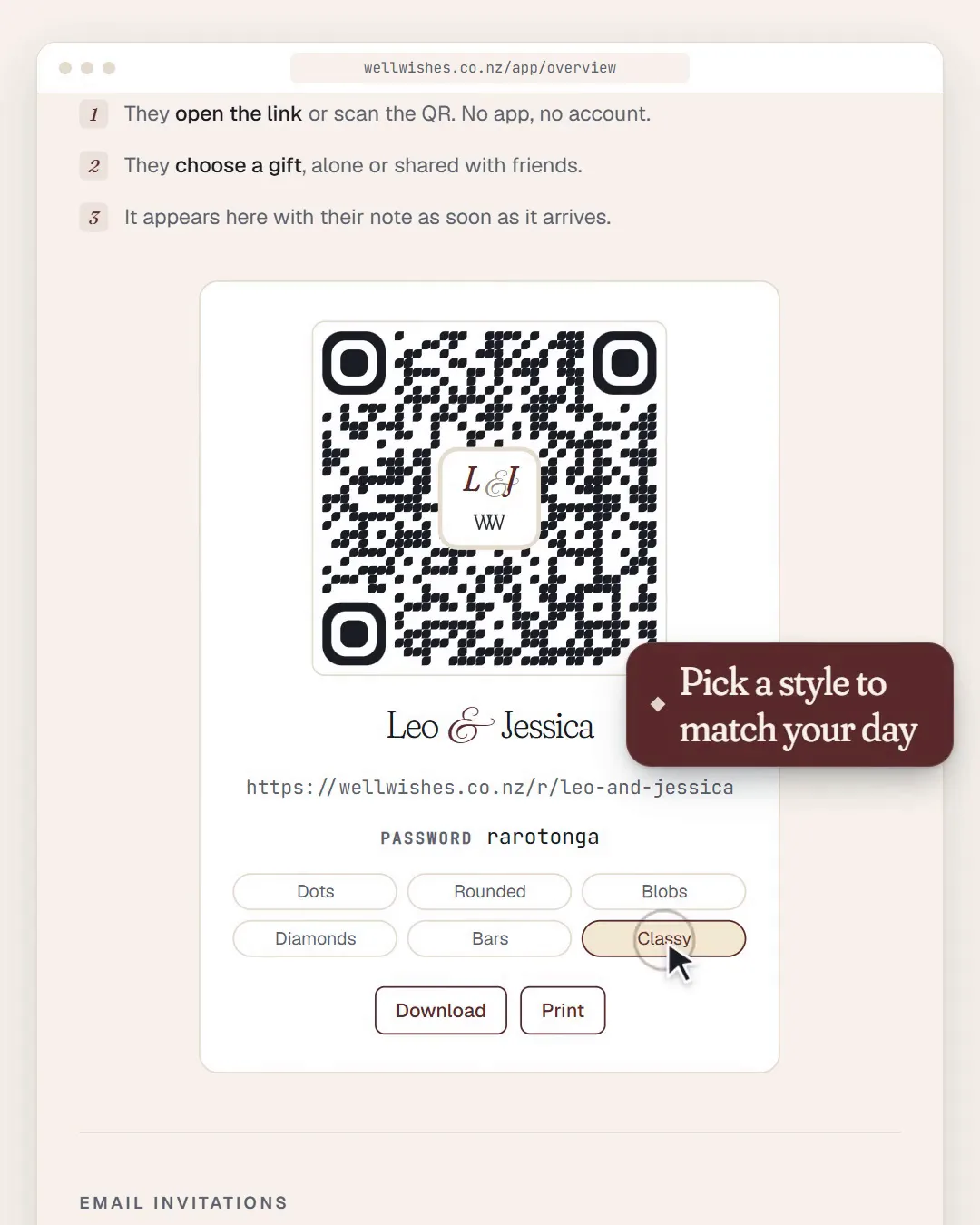
Your link, QR code and invites
Copy your link, print a QR code for the invitations and email your whole guest list an invite with your photo.
 Step 4 · Give
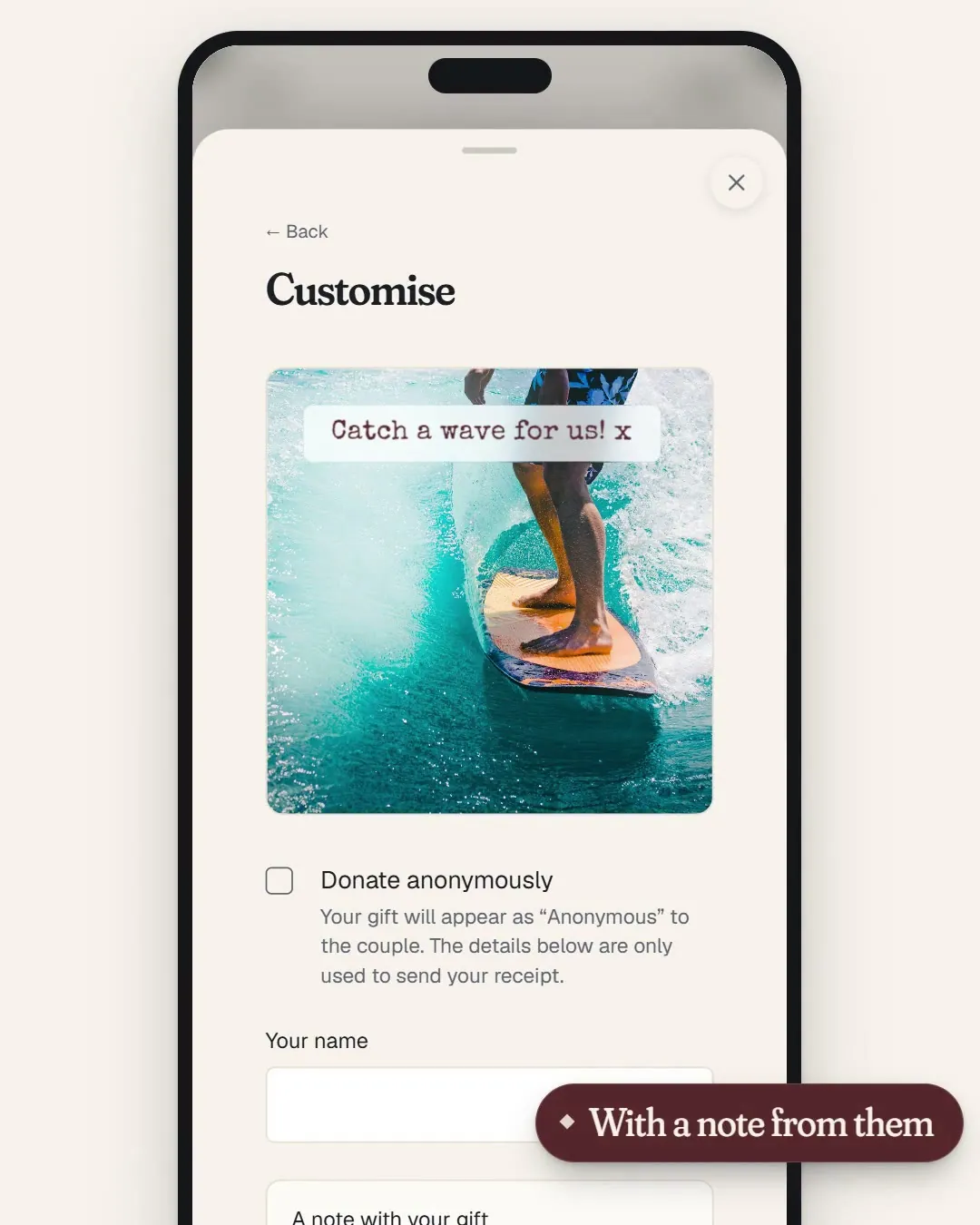
How your guests give
Guests read your story, choose a gift and an amount, add a note and pay with Apple Pay or card.
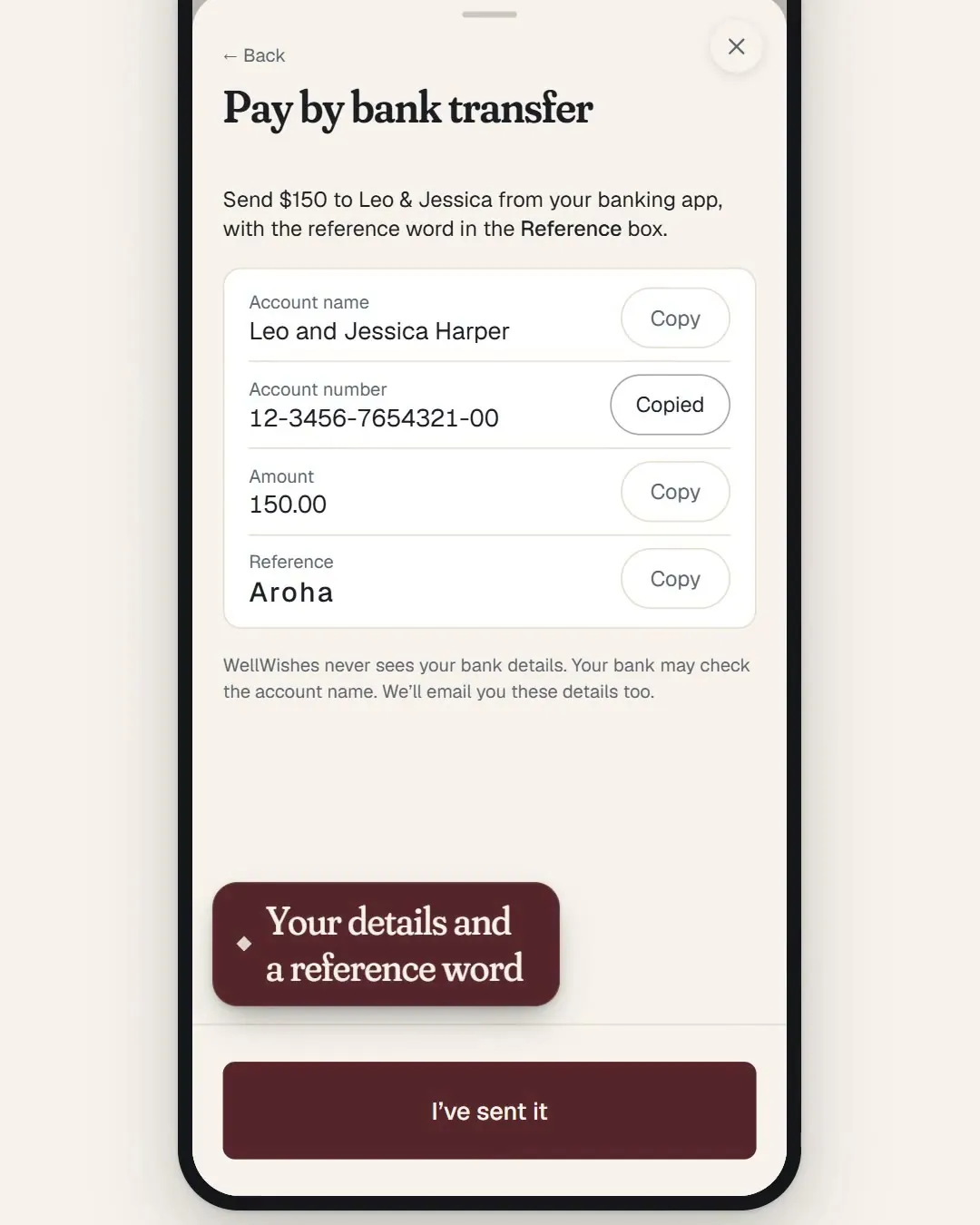
 Step 5 · Bank transfer
Gifts by bank transfer, with no fees
Add your bank account once. Guests pay from their own banking app with a reference word, and the gift shows up as paid.
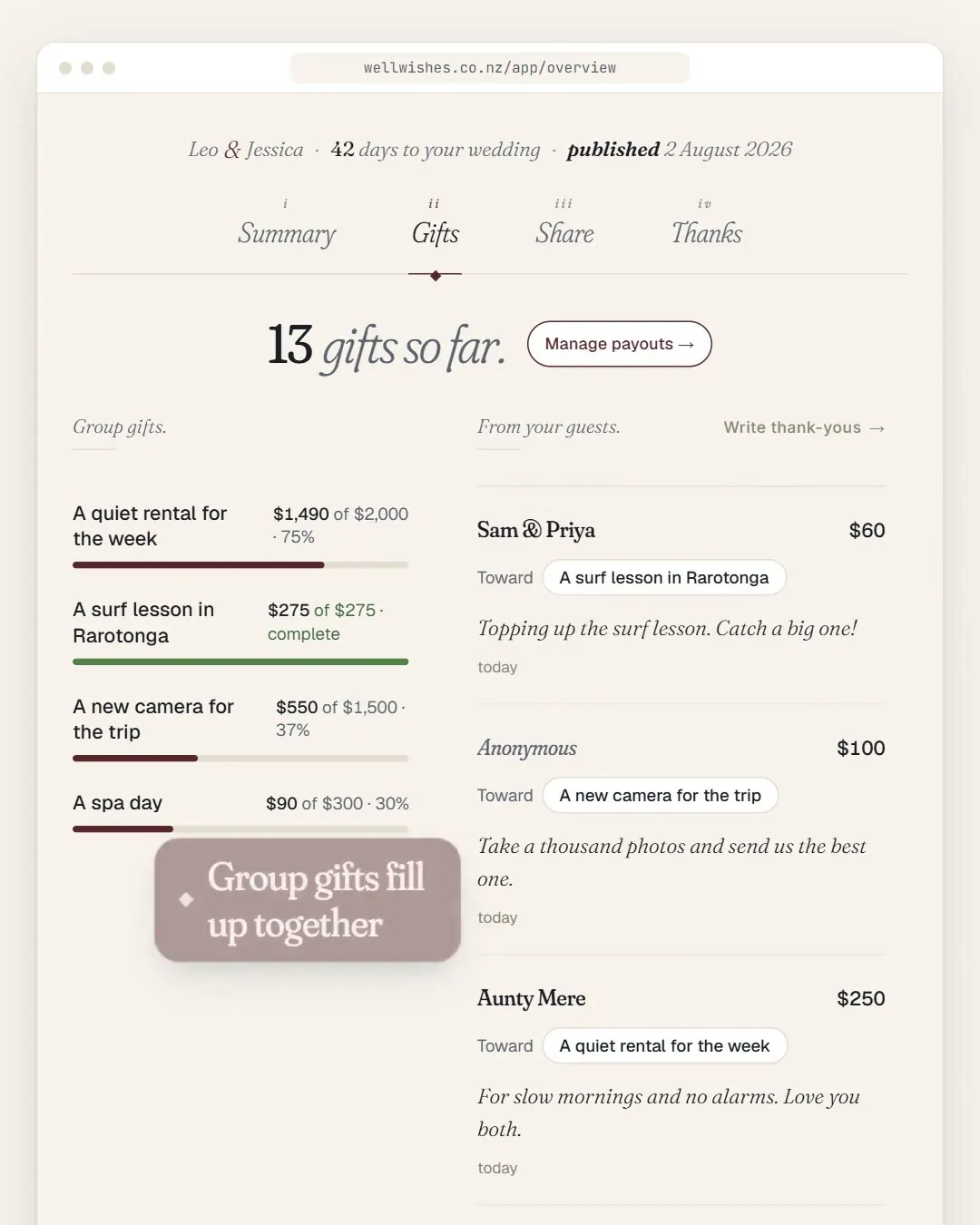
 Step 6 · Receive
Gifts as they arrive
Watch gifts land as guests give, each with its note, and see group gifts fill up together.
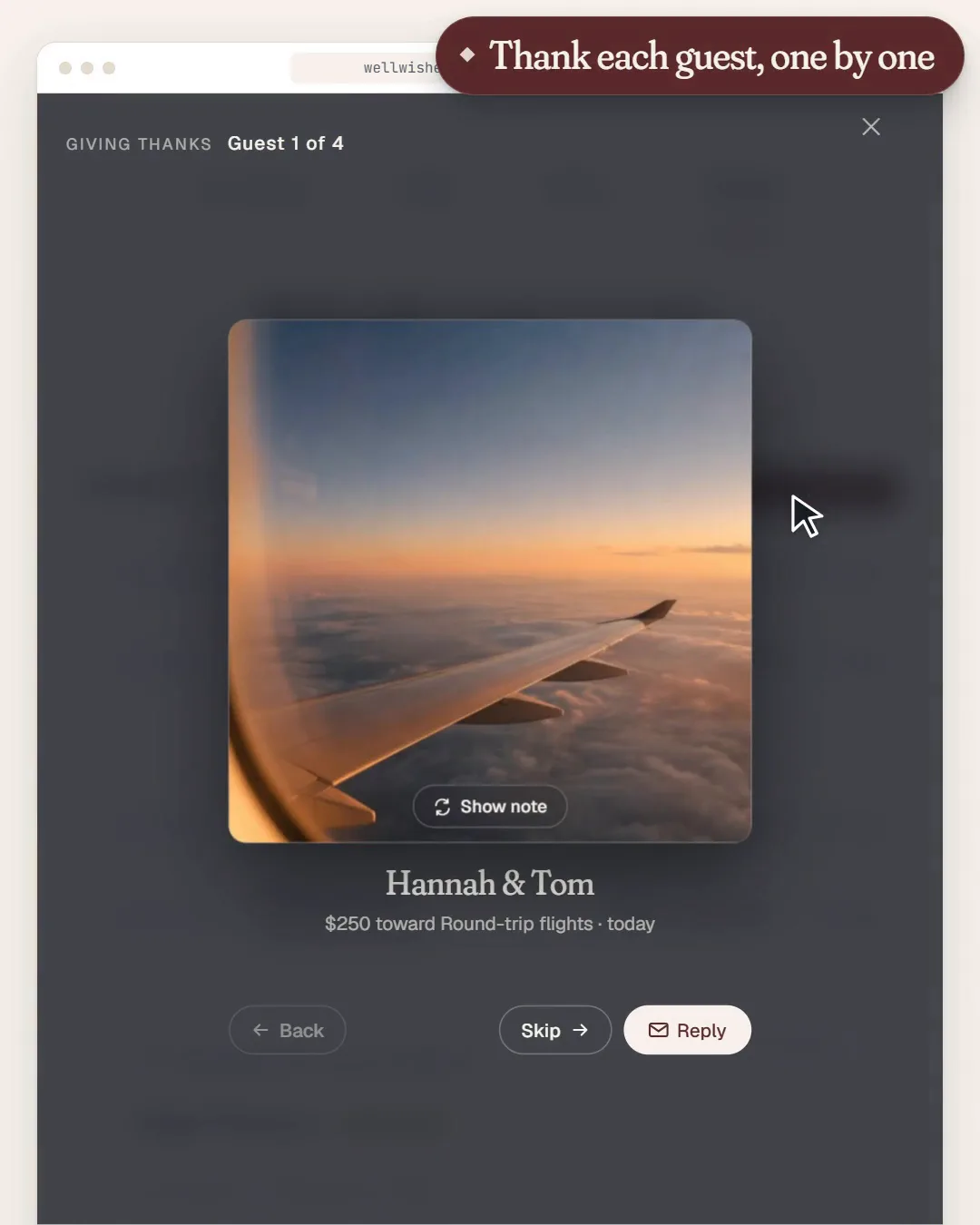
 Step 7 · Thank
Thank everyone, one note at a time
See each gift and its note, then send a thank-you with your photo in one click or write something personal.
What guests see



Ready when you are
Yours could look like any of these. About twenty minutes to build.